 English
 Русский
Support and news
Open a ticket when you need help, and follow announcements to learn about changes to the service. Replies and news also appear in the notifications menu in the header.
Support tickets
Open in DashboardSupport works through a ticket system: each request is a separate ticket with its own subject and conversation history. The ticket list shows every request with its status: open, answered, waiting for your reply, waiting for support, or closed. Filter by status or search by subject. Tickets with an unread reply are marked in the list and in the menu.
How support works
Tickets aren’t a live chat. They’re handled by technical specialists who investigate each case, check the service and logs on our end, and then reply.
- Typical response time: within 2 hours of opening a ticket.
- Official response time: up to 24 hours. See Support response times in our Terms of Use.
- The queue is based on your latest message. Each new message moves the ticket to the end of the queue, and the response time starts over. Several short follow-ups in a row delay the answer rather than speed it up.
Opening a ticket
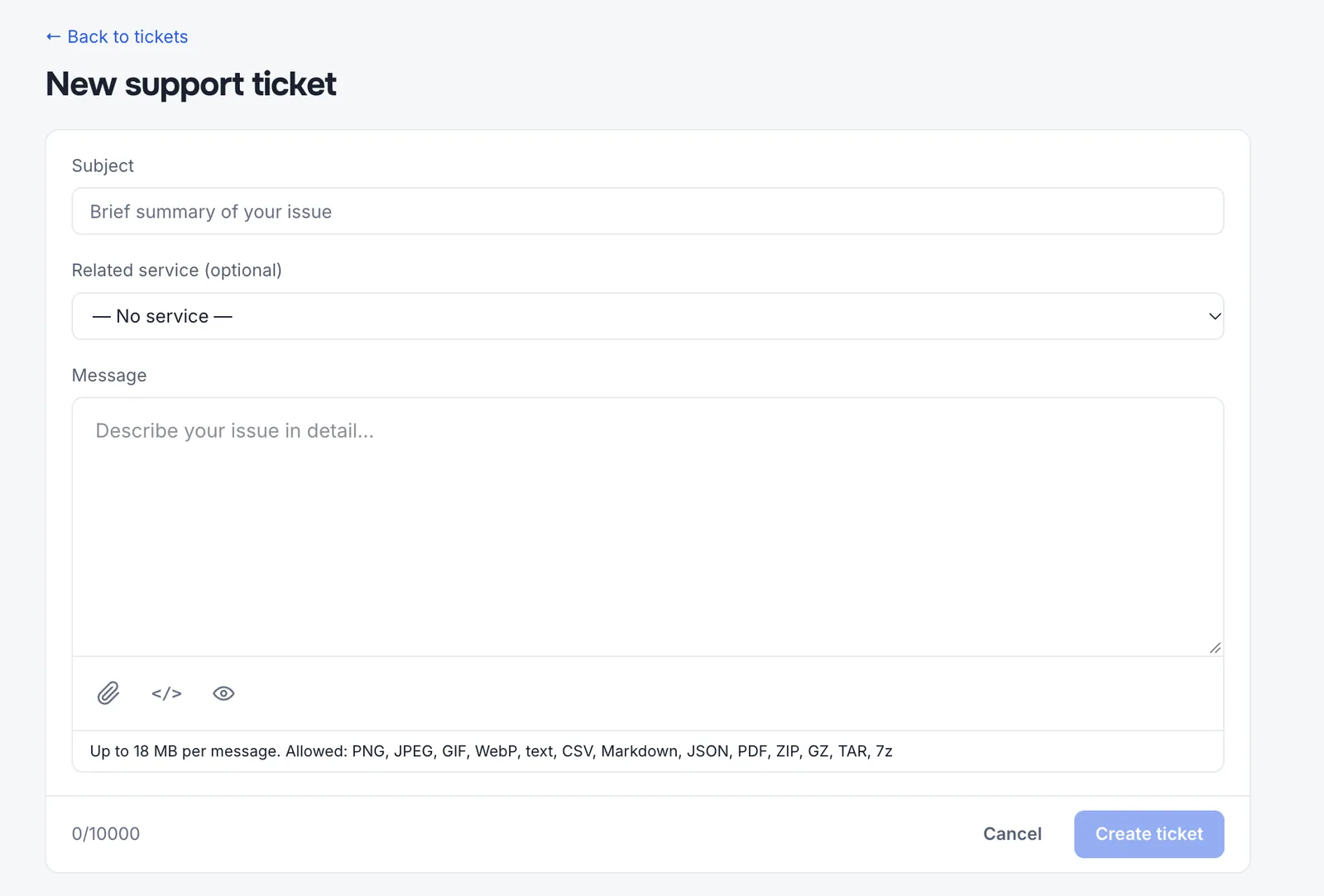
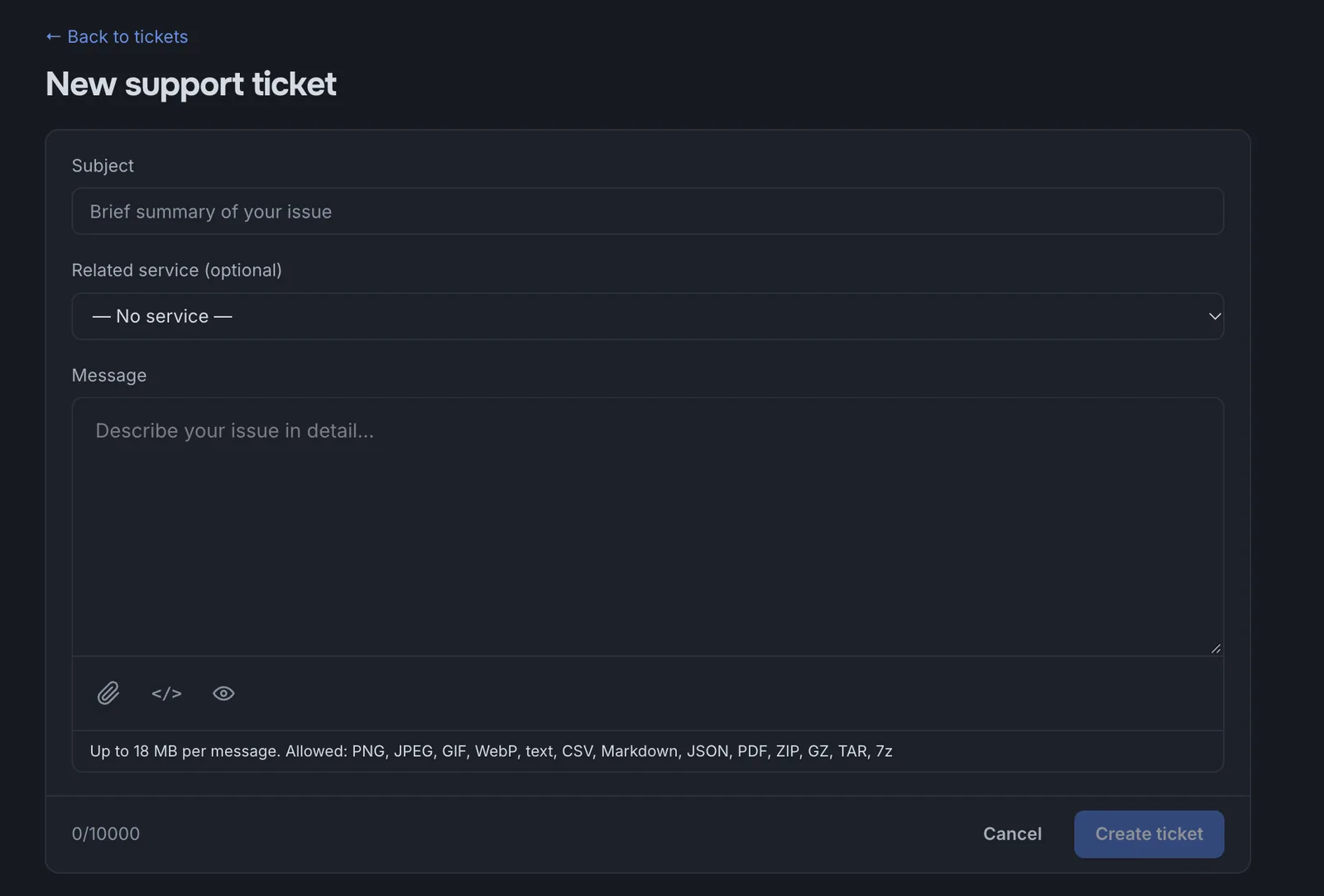
Open in Dashboard- Subject
A short summary, for example “Proxies stopped connecting.”
- Related service
Optional, but it saves time: support sees the service details right away.
- Message
Describe what’s happening and what you expected. Proxies are a technical product, so technical details make the fastest fix possible:
- which IPs or ports are affected, and the IP you connect from;
- the protocol and authentication method (username/password or IP whitelisting);
- status codes and error messages, such as
407,403, or a timeout; - your software’s logs, plus a test command (for example,
curl) and its output; - when the issue started and what you’ve already tried.
Messages support Markdown: code, lists, and links. You can attach screenshots, logs, CSV, JSON, PDF, or archives, up to 18 MB per message.
In the ticket, you can reply, correct your own message, and close the ticket once the issue is resolved.
What’s new
Open in DashboardAnnouncements about new features, changes, and maintenance. Unread items are highlighted; Mark all as read clears them.
Notifications
The bell in the header collects support replies, announcements, violation invoices, and plan change surcharges in one list. Email notifications are configured separately in Settings.
Last updated: November 9, 2026.