 English
 Русский
Analytics
Analytics shows how your proxies are used and why requests fail. Use it to find out whether a problem is on the target website, in your software, or on our end.
Period and services
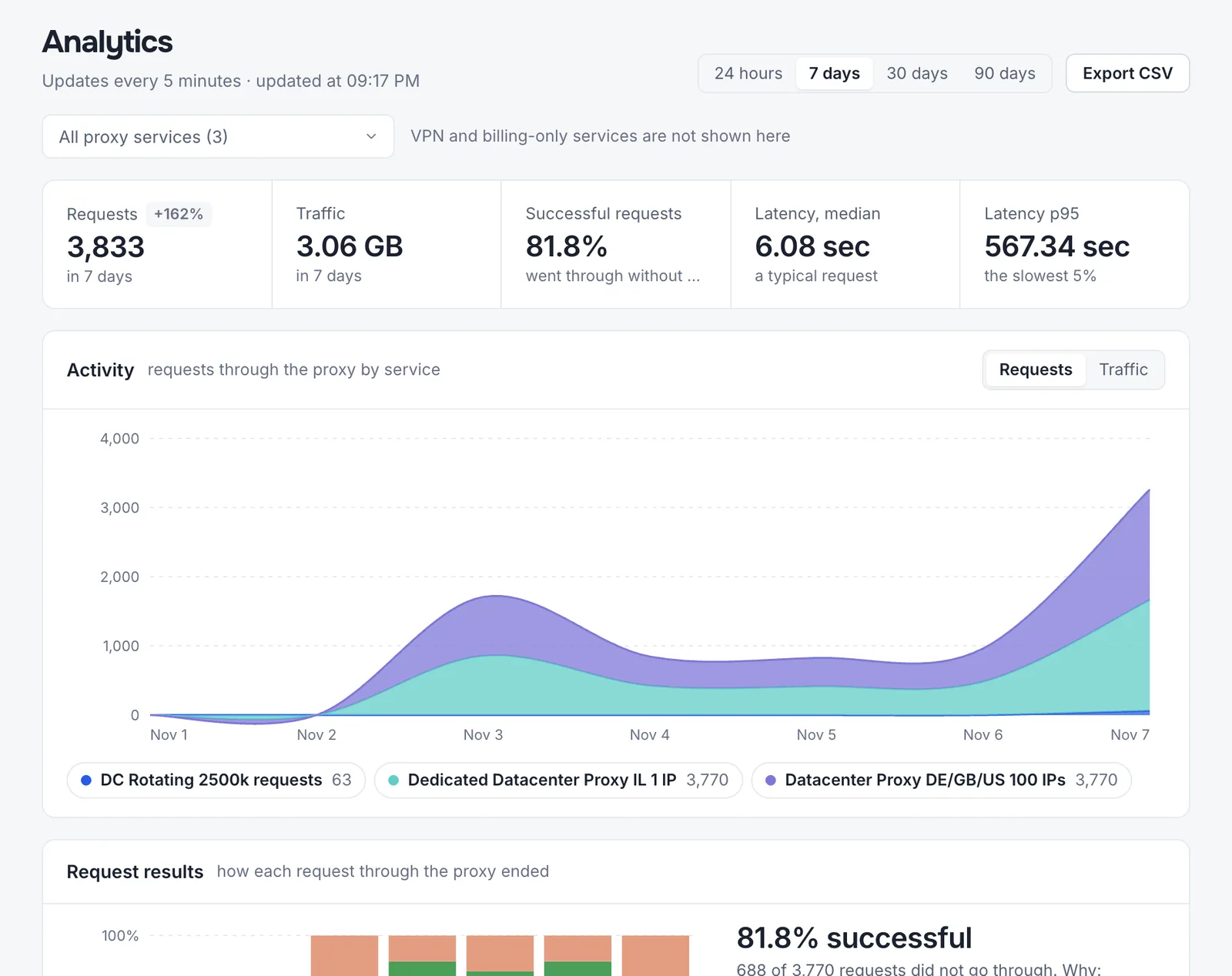
Open in DashboardChoose 24 hours, 7, 30, or 90 days, and all proxy services or one of them. Data refreshes every 5 minutes; the current hour or day is still filling in. Export CSV downloads the data for the selected period. The same reports are on each service’s Statistics tab.
Key figures and activity
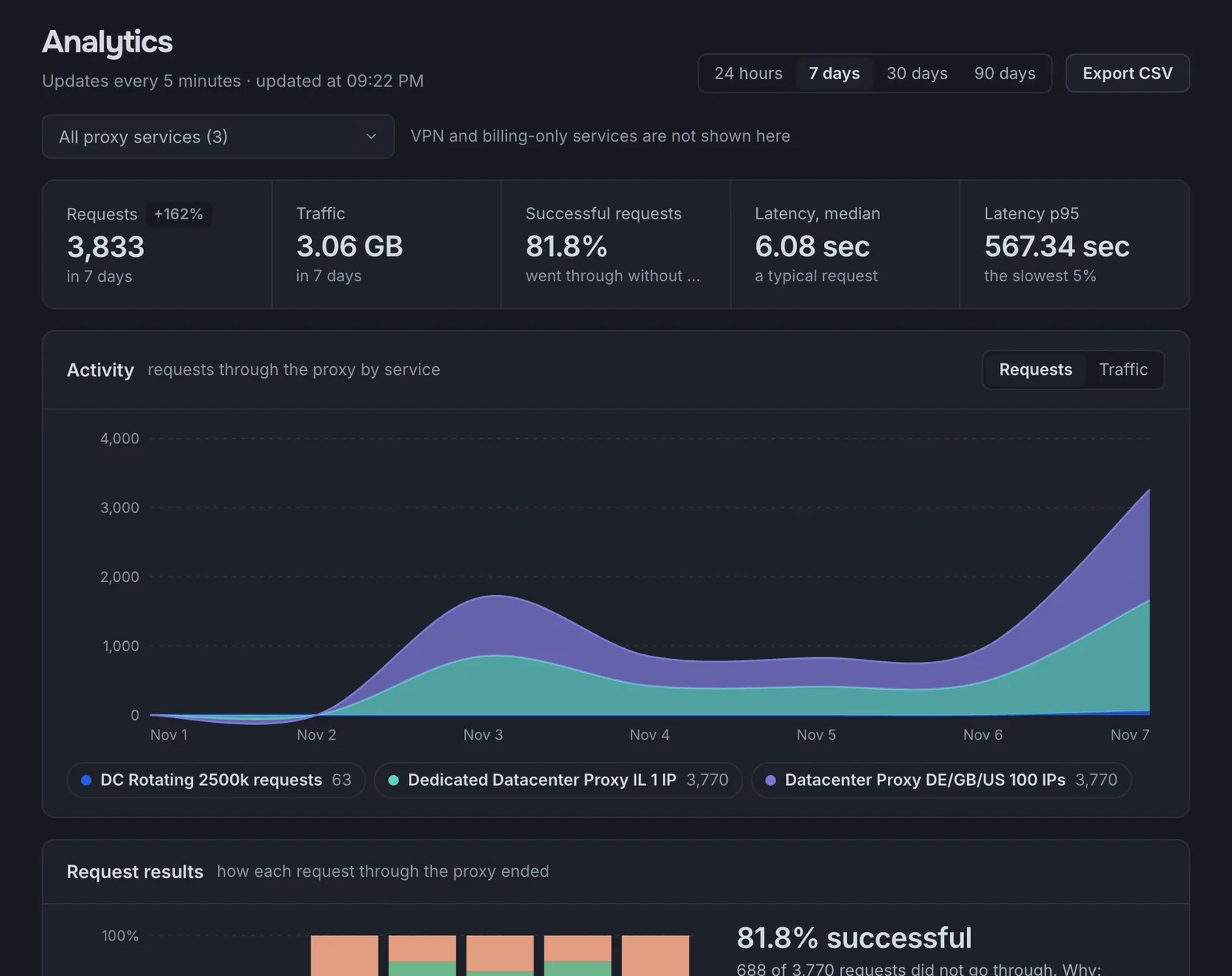
Requests and bandwidth for the period (with the change from the previous period), the share of successful requests, and latency: the median for a typical request and p95 for the slowest 5%. The Activity chart breaks requests or bandwidth down by service.
Request results
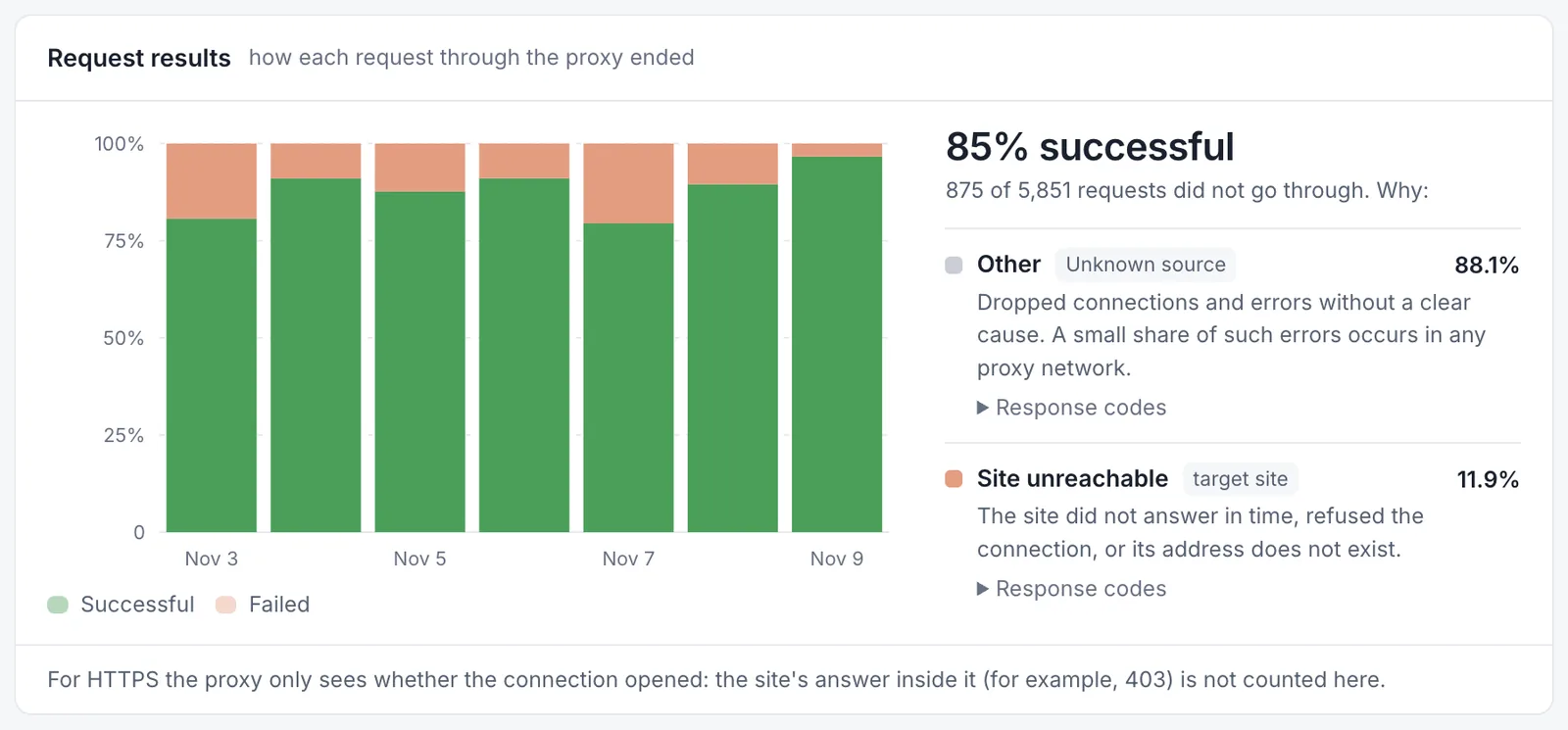
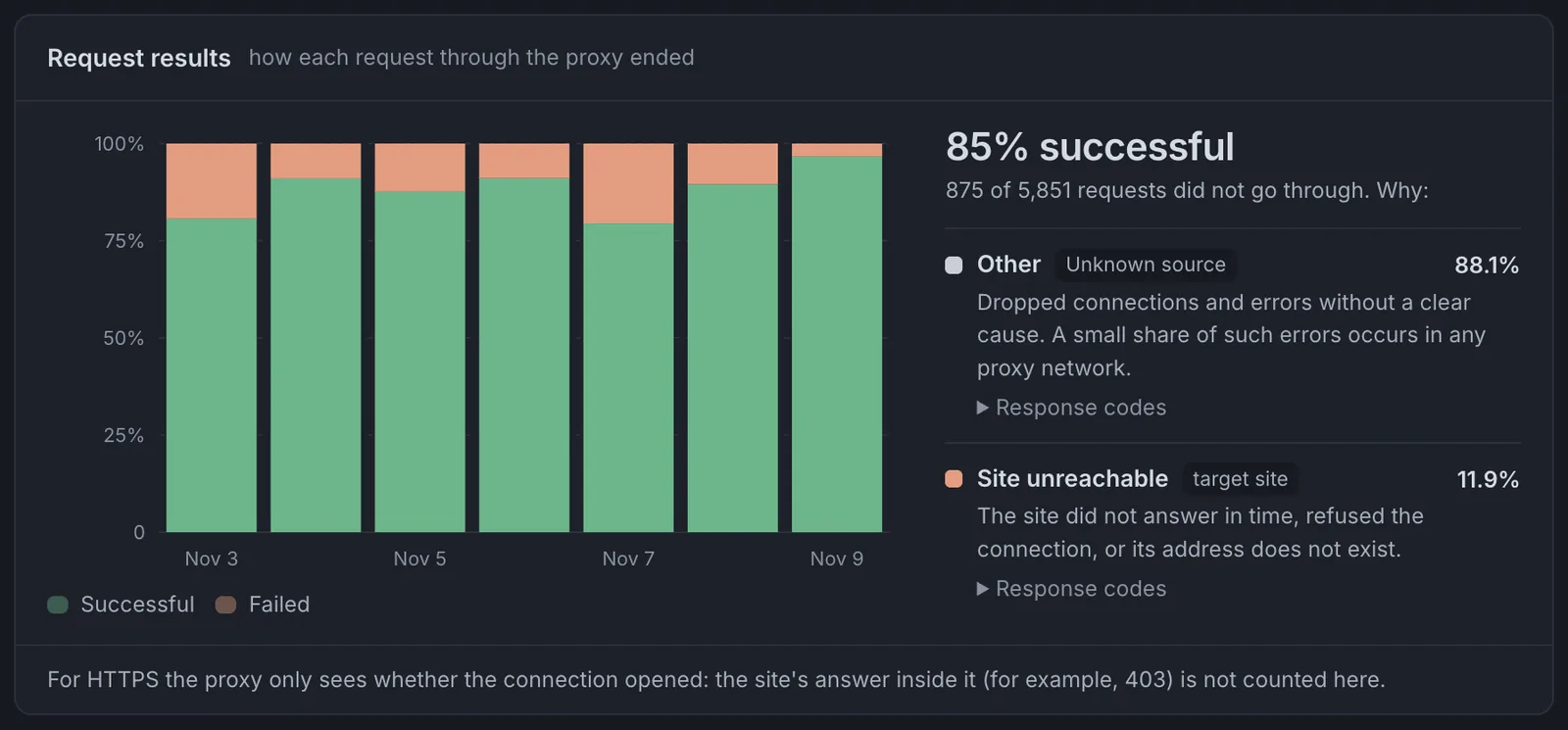
The chart compares successful and failed requests over time. Below it, failed requests are grouped by cause, and each group names who’s likely responsible:
| Group | What it means |
|---|---|
| The site returned an error | The website received the request and refused it: blocking, rate limiting, a CAPTCHA, or its own failure. |
| Site unreachable | The target website didn’t respond in time, refused the connection, or its address doesn’t exist. |
| Gateway error 502/504 | Either the website or the proxy gateway didn’t respond. A small share of these errors occurs in any proxy network. |
| Authentication error | Wrong username or password, a request from an IP that isn’t whitelisted, or the wrong protocol or port in your software. |
| Other | Dropped connections and errors without a clear cause. |
Each group lists the response codes and a tip, for example to increase the delay between requests or try another country. For HTTPS traffic, the proxy only sees whether the connection opened: a response from the website inside the tunnel, such as 403, isn’t counted here.
Response speed
Response time is how long it takes from a request through the proxy to the target website’s response. It comes from the proxy log, so it includes the time the website itself takes to respond.
- Median is the time of a typical request: half of the requests in the period finished within it, and half took longer. It’s the best indicator of how fast your proxies usually are.
- p95 is the time within which 95% of requests finished; the remaining 5% are the slowest. If the median looks normal but p95 rises noticeably, some requests are slow, typically because of a slow target website, heavy pages, or hitting your concurrent connection limit.
Response time isn’t available for native rotating proxies, which report bandwidth only.
Sites
The websites your requests went to, with requests, bandwidth, and the success rate for each. Switch to With errors to see only sites where more than 10% of requests failed.
Connections and limits
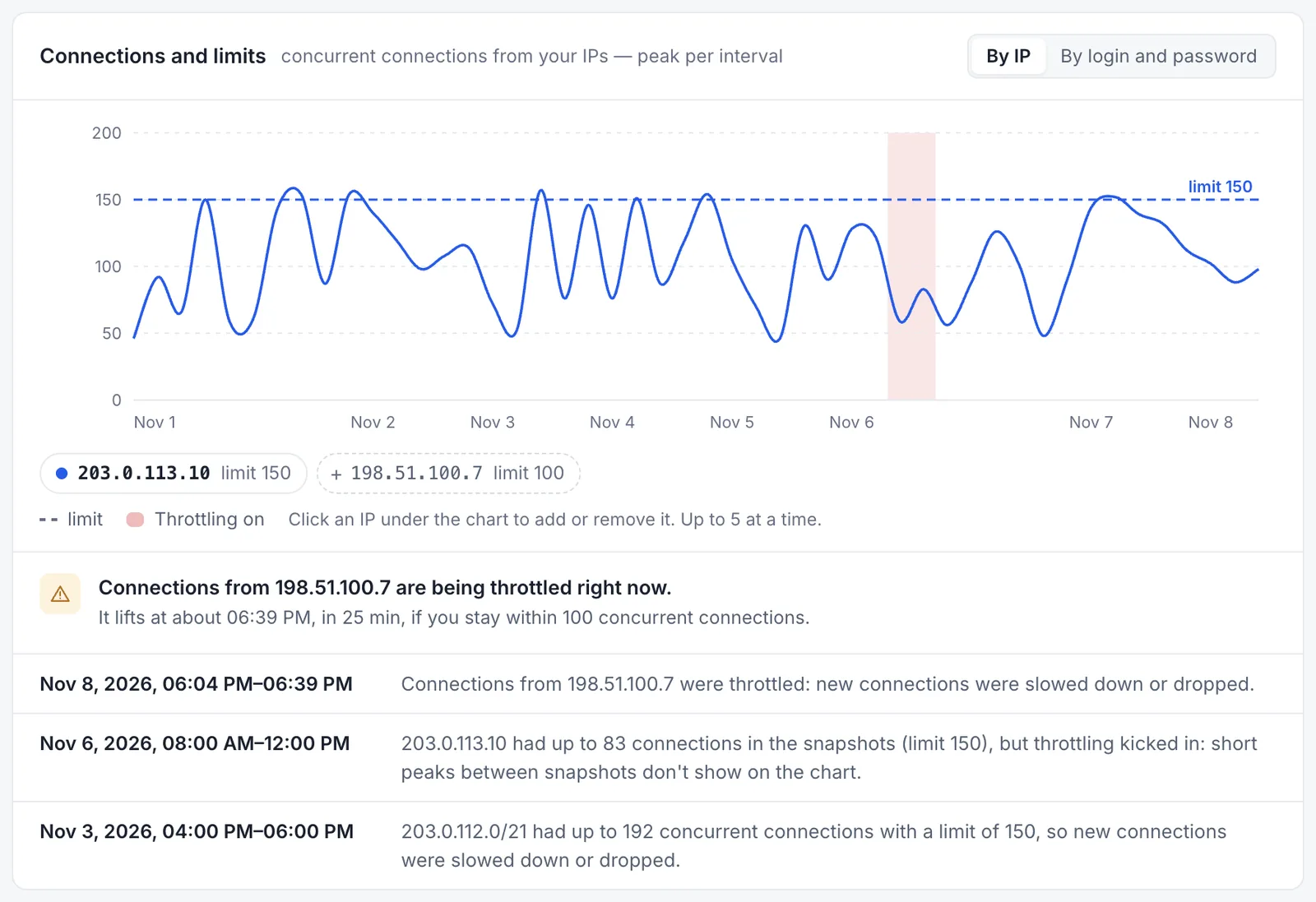
Peak concurrent connections from each of your IPs, compared with the limit. If connections from an IP are being throttled right now, the block says so. Raise the limit or redistribute it between IPs on the service’s Settings tab.
The switch in the top-right corner of the chart shows connections By IP (IP whitelisting) or By login and password (username/password authentication, grouped by /21 network). It appears when there are connections of both kinds. See Connections by IP or by username and password.
How we count
- A request is successful if the proxy delivered it: the site responded with 2xx or 3xx, or the HTTPS or SOCKS connection opened without an error.
- A 4xx response, such as 404 (page not found) or 403 (access denied), also means the proxy delivered the request and the target website itself refused it. These responses are grouped under The site returned an error so you can see where a website blocks requests or can’t find a page. They don’t indicate a problem with the proxy.
- Error shares are calculated among failed requests; one request can have both an HTTP code and a network error.
- Services with IP whitelisting are matched by source IP. If the same IP is whitelisted in another account, its requests appear in both accounts’ statistics.
Last updated: November 9, 2026.